Product onboarding patterns: tours, checklists, and empty states
Use a decision matrix to choose between empty states, welcome screens, checklists, contextual help, and product tours for a specific onboarding task.

In this article
Choose an onboarding pattern around the obstacle in front of the user. An empty state can supply a first action; a welcome screen can resolve a meaningful starting choice; a checklist can preserve unfinished work; contextual help can explain a decision where it happens. Reserve a tour for an unfamiliar interaction that needs demonstration, then check whether people can perform the task afterward.
A new customer opens a project tool to make a schedule. A spotlight appears over the sidebar: “This is where your projects live.” The next spotlight explains the search box. Then comes a tour of reporting. Six clicks later, the customer is back at an empty screen, still wondering how to add the first task.
The tour explained the furniture. The customer needed help doing something.
Choose a pattern from the blocked task
Use this matrix to make an initial design choice, then observe someone trying the task. It brings together the distinctions explored below, including NN/g’s guidance on empty states and contextual help, and GOV.UK’s approach to longer tasks across sessions.
| What the user needs | A useful starting pattern | What to verify |
|---|---|---|
| A first action in a workspace with no content yet | An empty state with a clear action and, where helpful, a labeled example or template | The user understands what the action will create and can reach their own first result. An empty search or missing permission gets its own explanation. |
| A meaningful choice between starting from a file, a template, or shared work | A short welcome chooser | Each choice changes the next task. An invitation to specific work keeps its destination. |
| An explanation of one input, permission, or consequence | A label, instruction, or contextual help beside the decision | The answer is available when needed and the person can continue without a separate lesson. |
| A way to track several required tasks over time | A persistent checklist with real completion and waiting states | The list reflects finished work, explains dependencies, and keeps optional exploration out of the required count. |
| A demonstration of an unfamiliar interaction | A short, optional, replayable demonstration or task-specific tour | The user can leave it, find it again, and perform the interaction independently afterward. |
| A clearer route through a familiar task | A better label, default, layout, or direct link | The interface itself resolves the obstacle before an extra onboarding layer is added. |
For the scheduling product in the opening example, start with the empty project screen and the action that creates a useful schedule. Add persistent status only if connecting a calendar introduces unfinished work across sessions. If a customer cannot find the create button, demonstrate the value of fixing its label or placement before investing in a tour of the sidebar.
Carry the selected pattern into first-time-user research. Record the intended task, the obstacle you observed, the proposed help, and what the participant can do after the help disappears. Those four details make the design choice reviewable.
The empty screen already has your customer’s attention
When the workspace is empty, put the first useful action there. A page titled “Projects” with a small plus icon requires the person to supply both the reason and the method. “Create a schedule for your next project” gives the action a purpose. A visible create button supplies the method.
Nielsen Norman Group’s empty-state guidance treats empty containers as places to explain system status and provide a direct path to a task. That is a better starting point than covering an empty screen with a welcome overlay.
The message must describe why the screen is empty. No projects yet, no matching search results, and no permission to view a project are different conditions. Only the first naturally calls for a creation prompt. A user with an active filter needs a way to clear it; someone without permission needs a route to the right person or account.
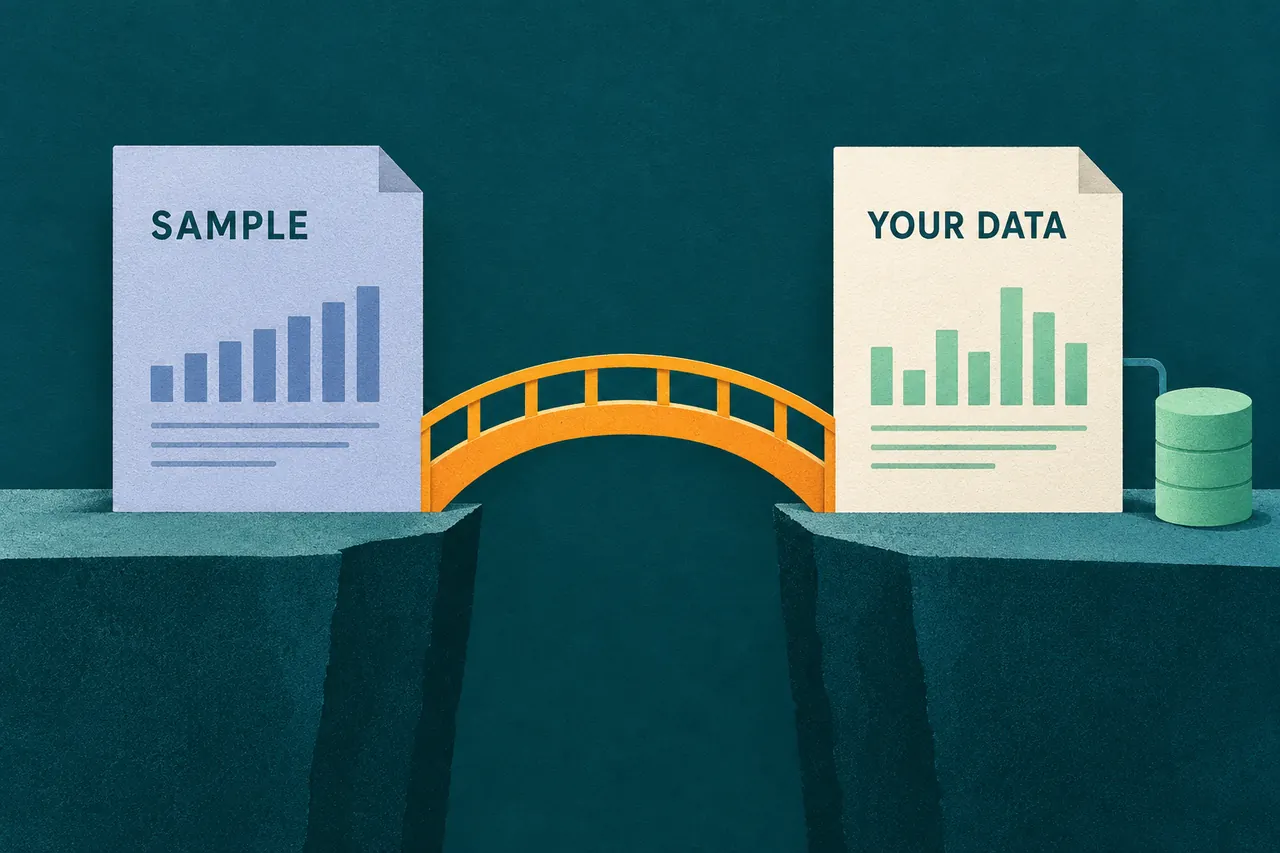
If the first action still feels too abstract, show what it will produce. A sample schedule can make dependencies and milestones understandable. Label it as sample work and provide a straightforward route to the customer’s own project. Avoid making people delete a pile of demonstration content before they can begin.
Use a welcome screen when there is a real choice to make
A welcome screen can be useful if the product needs to establish a destination. For example, a design tool might let someone start from a file, use a template, or open work shared by a colleague. That choice shapes what happens next.
A welcome screen with a congratulatory sentence and a continue button does less. It adds a stop without resolving uncertainty. Try putting the welcome sentence on the working page and removing the stop.
The distinction is especially important for invited users. Someone following a link to review a document has already chosen a destination. Sending them through a general welcome chooser can discard the most useful context you have. Preserve the linked task, then explain anything they need at that destination.
Keep a welcome choice short enough to understand without learning your product taxonomy. “Start with a blank schedule” is more useful than “Explore work management” when the customer needs a schedule.
Checklists belong to work that remains unfinished
A checklist earns its space when setup spans several tasks or sessions. Connecting a source, waiting for approval, reviewing imported data, and inviting an operator may need persistent status. A task list can show what is complete and why another step cannot begin yet.
GOV.UK’s complete-multiple-tasks pattern is deliberately restrained: it is intended for longer transactions that may take multiple sessions, and the guidance says to simplify the transaction first. Product onboarding teams can borrow that restraint without copying the entire government-service layout.
Make checklist progress reflect actual work. Clicking “Connect a source” does not mean the connection succeeded. A task waiting on an administrator is neither complete nor something the current user can necessarily fix. Show that dependency in words, and provide a request action if one exists.
Leave optional product exploration out of the required count. An account does not become less ready because its owner has not uploaded an avatar. If the list contains both prerequisites and suggestions, separate them visibly. Otherwise the progress bar implies that every item matters equally.
A completed checklist should also have a future. Remove it, collapse it, or turn it into a compact setup summary. Do not make experienced users look past a permanent celebration of work they finished months ago.
Tours need a stronger case
A short demonstration can help with an unfamiliar interaction that is difficult to explain in place. Imagine a specialist editor in which dragging between two objects creates a relationship. A small, replayable demonstration beside that control could be useful.
A tour of familiar navigation has a weaker case. Nielsen Norman Group’s comparison of onboarding tutorials and contextual help describes tutorials as disruptive and easily forgotten, and favors help people can access when they need it. That does not establish that every tour fails. It gives you a reason to demand evidence before adding one.
If you do use a tour, let people leave it and find it again. Keep the lesson tied to a task they can perform immediately. Account for different permissions and screen sizes so the tour does not point at a control the customer cannot use or see.
Most importantly, test the task after the tour is gone. Tour completion measures passage through the lesson. It says little about whether the person can now act independently.
One project, several moments of help
Consider an illustrative scheduling product. A customer arrives to organize a launch. The empty state lets them create a launch schedule from a small template. When they add dates, an inline explanation clarifies how dependencies affect later tasks. If they decide to synchronize an external calendar, a setup panel records the connection and any approval still outstanding.
These patterns coexist because they appear at different moments. The product does not need to greet the same person with a welcome modal, a checklist, and a tour simultaneously.
Now test a harder path: the customer returns two days later while approval is pending. The useful screen shows the schedule they already made and the specific dependency. Replaying the first-session tour would make the product appear to have forgotten their work.
Choose what to build by observing that kind of task sequence. Ask a new person to produce a real result and note the first point at which they cannot proceed. If a label or better default resolves it, make that change. If the obstacle is unfinished work across sessions, use persistent status. Add a teaching layer only when there is something the interface cannot explain adequately where the work happens.
When the product needs time to produce the first result, design the waiting state as part of onboarding rather than leaving the customer at the end of a completed checklist.
Sources
- Nielsen Norman Group: Onboarding Tutorials vs. Contextual Help.
- Nielsen Norman Group: Designing Empty States in Complex Applications.
- GOV.UK Design System: Complete multiple tasks.