Sample data can teach the product and still leave users stuck: the handoff to real work
Compare Metabase and Power BI sample-data approaches, then design the transition from a successful demonstration to a useful result with a user's own data.
In this article
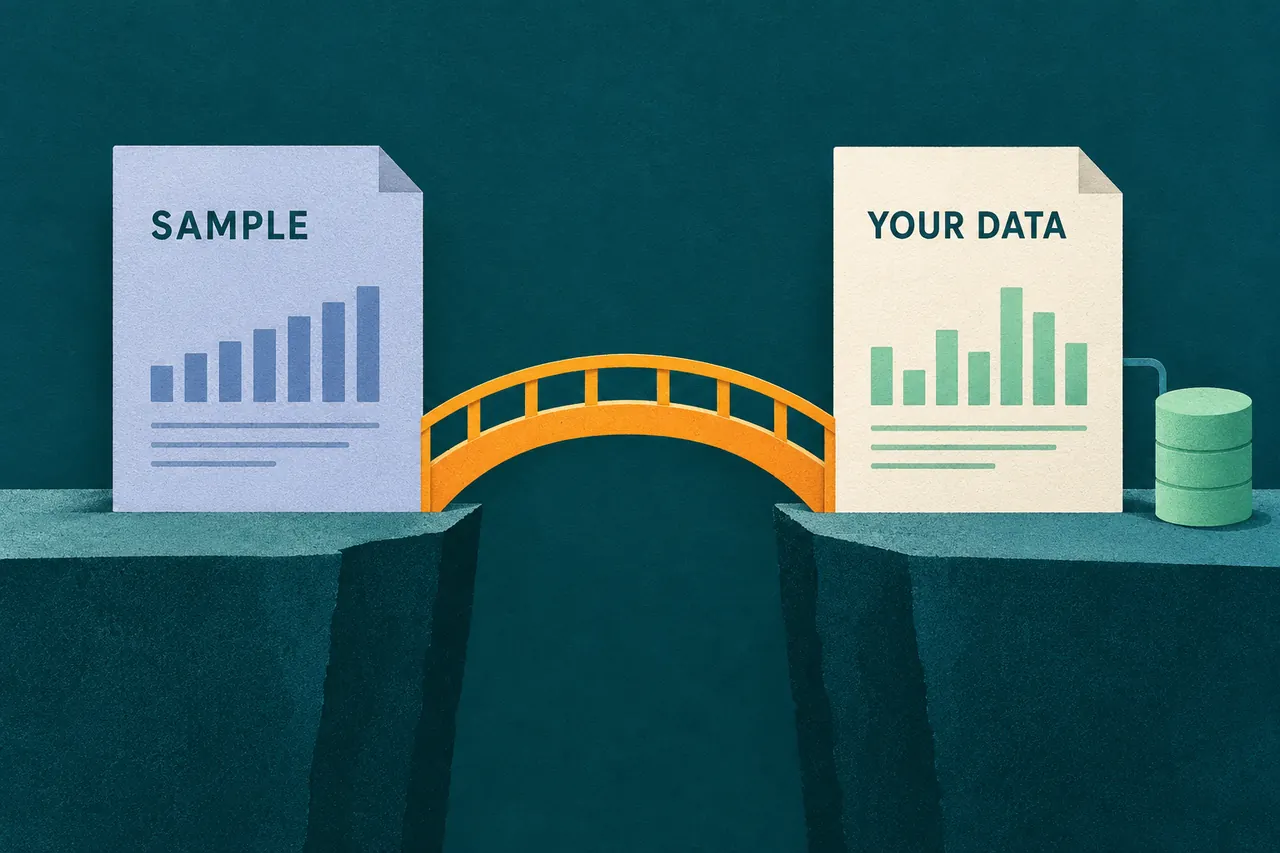
A sample dashboard gives a new user something to explore before they have connected anything. Metabase’s Sample Database is explicitly designed for that purpose: users can ask questions and create dashboards before connecting their own database. The next challenge is the transition. A person who understands a demonstration may still lack the data, permissions or structure needed to repeat it with their own work.
Design those as two accomplishments: learning how the product behaves and making it useful in the user’s circumstances. Metabase and Power BI offer different forms of sample material, and their documentation helps expose the decisions that belong between the two.
Know what the sample actually supplies
Published documentation checked October 15, 2026. This comparison covers Metabase’s Sample Database and Power BI’s downloadable sample files; it does not evaluate their live onboarding flows.
| Question | Metabase Sample Database | Power BI sample files |
|---|---|---|
| What is supplied? | A small database with Orders, People, Products and Reviews tables. | Multiple formats, including complete report files and Excel workbooks containing sample data. |
| What can it teach? | Asking questions and building dashboards before connecting your own database. | Exploring or modifying reports, models and visuals, or using sample workbooks as a data source. |
| What does it leave to real setup? | Connecting a real data source with the appropriate connection settings and privileges. | Supplying the real data and model appropriate to the intended report; a sample alone does not establish that connection. |
| Is the example the user’s business result? | No; it uses the supplied sample records. | No; the supplied files demonstrate scenarios with sample material. |
Sources: Metabase sample definition, Metabase connection documentation and Microsoft’s sample overview.
A complete report and a small practice database teach different things. The former can show an assembled result. The latter lets the user construct a result from a manageable set of ingredients. Choose deliberately based on what the user needs to learn before doing their own work.
Do not make “Use my data” sound like a cosmetic switch if it requires new permissions, a connection or a different model. The transition should explain those requirements while the successful sample is still understandable.
Keep the origin of the data visible
Once a user edits a sample, its origin can become less obvious. They may rename a report, change its colors or add a filter while the underlying records remain fictional or supplied for demonstration. The interface should preserve that distinction where decisions are made, especially around sharing or exporting the result.
For a product you are designing, a persistent “Sample data” label is more useful than a one-time welcome message. Name the source near the result and provide a clear route to inspect it. An attractive dashboard should not require the user to remember which setup option they chose several screens earlier.
The same rule applies when sample and real work coexist. Separate them in navigation or use an equally clear distinction in the workspace. A person should not need to recognize a familiar sample company name to know whether a chart reflects their own organization.
Bridge one learned action into one real task
Consider an illustrative analytics product. The sample teaches a user to group orders by month. The next step should make the relationship between that lesson and real setup explicit.
| Moment | What the example should establish | Useful next step |
|---|---|---|
| Explore the sample | A date field and an amount field produce a monthly view. | Let the user change a filter and see its effect. |
| Choose a real source | Their own task needs corresponding information. | Explain accepted sources and required access. |
| Check the mapping | The product has identified the intended date and amount fields. | Show the mapped values and let the user correct them. |
| Produce a real result | The view now uses their selected source. | Display its source and coverage beside the result. |
| Save or share | The result is useful enough to return to. | Preserve the source relationship and destination. |
This is a proposed design sequence, not a claim that either product implements those screens. Its purpose is continuity: keep the concept the person just learned visible while replacing the demonstration’s convenient assumptions with their real circumstances.
When the real source lacks the required field, explain the mismatch. Sending the person back to an empty dashboard erases the lesson without helping them resolve the new problem.
Treat cleanup as part of the handoff
Sample material has dependencies too. Metabase documents that removing a database also removes saved questions and dashboard cards based on it. Preserve any user-created questions or dashboards you want to keep before removal. The documented recovery option brings back the Sample Database itself. The database-management documentation describes both operations.
Power BI’s deletion rules depend on the object. Removing a dashboard does not remove its underlying semantic model; deleting a semantic model removes the reports and dashboard tiles that use it. Microsoft’s deletion guidance makes that dependency explicit.
For onboarding design, “Remove the example” needs a clear meaning. Does it remove a sample dataset, the report built on it or only a shortcut? Show the affected objects before the action. If keeping the example is harmless and useful for reference, leaving it clearly separated may be better than encouraging immediate deletion.
A cleanup step should not unexpectedly erase the user’s first successful attempt at learning the product.
Measure learning and useful work separately
Opening a sample, changing a chart and connecting a real source answer different questions. Keep those events distinguishable in your onboarding measurement. A sample interaction can show that the person explored a feature; it does not establish that the product now supports their own task.
Define the later event around the product’s actual job. For the illustrative analytics product, that could be a saved report built from the user’s chosen data and reopened successfully. Another product may have a different useful result. The activation-definition guide explains how to choose the event and observation window without treating every setup action as value.
Test the transition with a realistic source that is less tidy than the demonstration. Observe whether a first-time user can explain what the sample taught, identify what their own data needs and complete the comparable task. Keep the demonstration available as a reference when it helps. The sample has done its job when it leaves the user better equipped to do the real work.
Sources
- Metabase: What is the Sample Database?.
- Metabase: Adding and managing databases.
- Microsoft: What are Power BI samples?.
- Microsoft: Delete a dashboard, report, workbook, or semantic model.