The upload finished. Is the first asset ready to use?
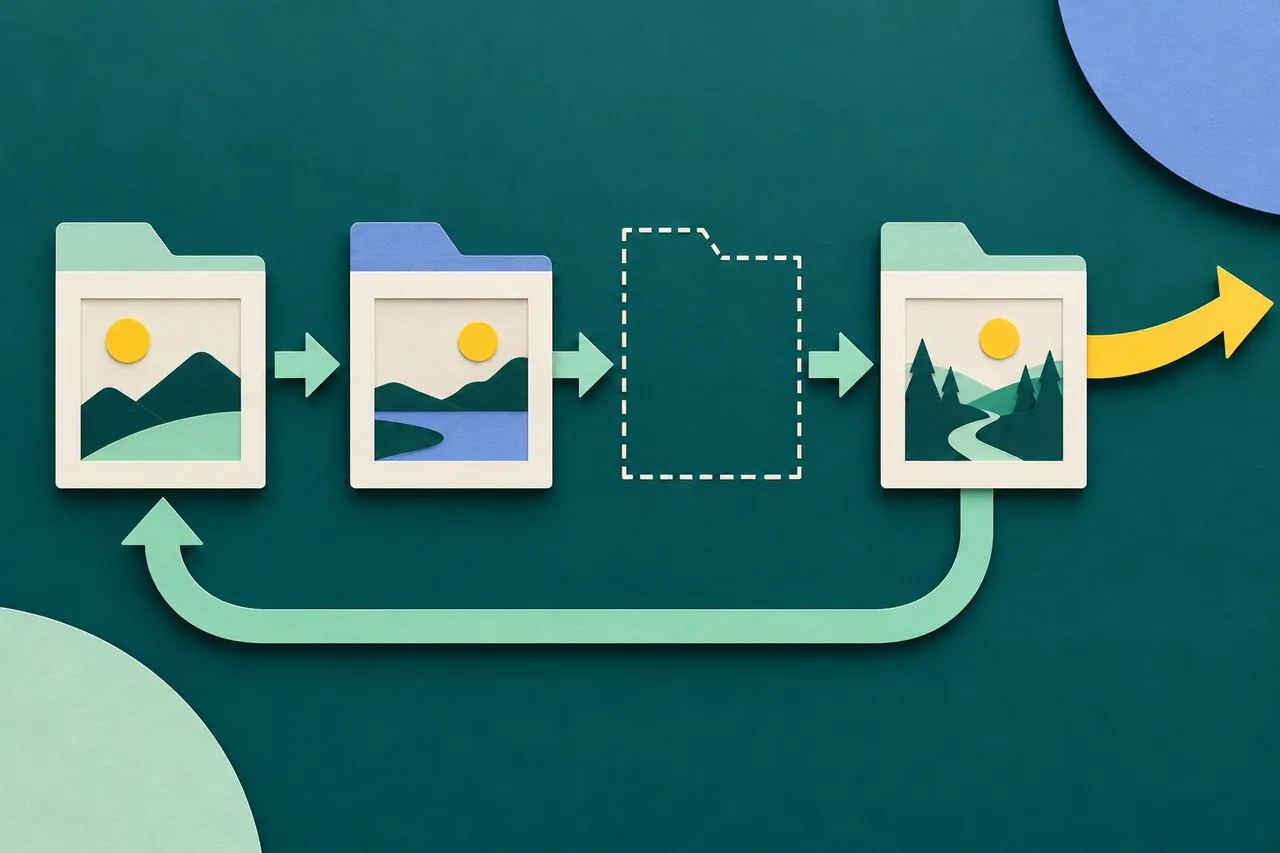
Follow a first upload beyond transferred bytes: validate the file, prepare the needed rendition and make the asset usable in the project the customer came to create.

In this article
A finished upload is an intermediate result. The customer needs a file the product can open, interpret and use in the first task. Design the handoff around that usable asset, with separate states for transfer, validation, preparation and placement in the project.
The distinction becomes obvious in a design tool. A progress bar reaches its end, but the image tile is still blank. The user clicks again, selects the file again and wonders whether the product accepted it. The transfer may have worked perfectly; the interface has failed to explain what is still missing.
Define the first usable asset
Take an illustrative browser-based poster editor. The new user wants to place a product photograph on a poster. Uploading the photograph is necessary, but the useful result is an image they can see, select and position in the document.
Write that acceptance condition before designing the transfer component. Does the editor need a particular processed rendition? Can it use the original immediately? Is a thumbnail enough to choose the asset while a larger version is prepared? Those are product and implementation decisions with visible consequences.
A generic “Complete” label hides them. A more accurate sequence might show that the original file is stored, a preview is being prepared, and the image is ready to add. Only show a state after the relevant operation succeeds.
The activation-definition guide asks teams to identify a meaningful first outcome. For this editor, transferred bytes are too early. Placing the intended image in the poster is a better candidate to examine with users.
Help selection without confusing it with validation
Before selection, explain the file constraints that matter to the task. Use the product’s real supported formats and limits, and make the file picker available to people who cannot drag a file onto the page.
GOV.UK’s file-upload guidance describes both choosing a file and dragging it into the upload area. It also recommends reusing a previously uploaded file within the same journey where appropriate. That is useful when a customer has already supplied the asset and needs to repair a later step.
The browser’s chooser is not the final validation gate. MDN explains that the HTML accept attribute provides selection hints rather than validating the chosen file, and that the expected requirement should be validated server-side.
For the poster example, selecting a file with a familiar extension does not establish that the system can decode and prepare it. The next state should describe the actual check, not congratulate the user before the content has been accepted.
Name the phase that has finished
A transfer bar describes transfer. When the bytes arrive, it can finish honestly while the asset remains unavailable for editing. Give the next phase its own explanation rather than holding the same bar at its endpoint indefinitely.
Media systems can make this separation explicit. Cloudinary documents asynchronous eager transformations that run in the background after upload, with a notification when preparation completes and a failure result when it does not.
The editorial lesson is narrower than a recommendation to use that particular service. A product can have a stored original and an unfinished derived asset at the same time. Its interface needs to represent whichever distinction affects the customer’s next action.
In the illustrative editor, the asset tray might show the filename immediately, then a preview when the relevant rendition is available. If editing can begin before every optional rendition is ready, enable the supported actions. If it cannot, explain what is still being prepared and keep the project itself accessible.
Preserve the original when preparation needs repair
A failed transformation does not necessarily mean the original transfer failed. If the original is safely stored and can be reused, retain that fact in the recovery experience. Requiring another upload should be justified by the actual problem.
For the poster editor, a processing failure could offer a retry from the saved original. A file the product cannot interpret may require a replacement. A temporary service failure may require waiting or support. These are different decisions; they should not all become “Upload failed. Try again.”
Explain what remains. “Your original file is saved, but we could not prepare it for this editor” is useful only if both halves are true. If the original was rejected or deleted under the product’s rules, do not imply that it can be recovered.
Keep replacement local to the affected asset. The person should not lose the poster title, layout choice or other valid work because one image needs attention. This is where a small failure can otherwise become a full onboarding restart.
Make readiness visible in the working surface
An asset becoming ready in a sidebar is still a handoff. The customer needs to recognize it and know how to use it in the project.
In the example, show the prepared photograph and an understandable action to place it. Once placed, select it or otherwise make its presence clear without hiding the rest of the document. If the image is off-canvas or too small to see, the system may have completed the operation while the user remains uncertain.
The initial preview should also represent the content sufficiently for the person to recognize the right file. Do not use a generic success icon as the only proof that the intended photograph was accepted. If the product changes orientation, crops the image or substitutes a lower-resolution preview, communicate the consequence where it affects editing.
A source filename can help distinguish similar files, but it should not be the sole accessible identification. Review labels, keyboard movement and status announcements using the accessible onboarding guide.
Verify the handoff with a real first task
A useful acceptance review follows an asset through the entire route: selection, transfer, preparation, placement, save and reopening of the project. The final step matters because a visible image in the current browser session does not by itself prove that the document preserved the reference correctly.
Include an interrupted transfer, an accepted original whose preparation fails, and a replacement file. Confirm that each state offers the right next action and that retrying does not create confusing duplicate assets. These are proposed tests, not claims about a product we have exercised.
Track where the user stops separately from where the backend reports completion. A technically successful upload followed by failure to place the asset is an onboarding problem worth seeing. The transfer metric alone will conceal it.
When the person can reopen the poster and continue working with the intended photograph, the upload has delivered its purpose. Build the confirmation around that result rather than the earliest operation that happens to finish.
Sources
- GOV.UK Design System: File upload.
- MDN: HTML accept attribute.
- Cloudinary: Eager and incoming transformations.