Behavior-based onboarding emails: when to send, wait, and stop
Build onboarding emails around current tasks, recipient permissions, and stopping rules. Check the destination and measure useful action after the click.

In this article
A useful onboarding email connects a current product state to an action its recipient can take. Define the task, recipient, sending condition, and stopping rule before writing the sequence. Recheck the task near delivery, preserve its destination through sign-in, and stop reminders when the work is complete or no longer available. Evaluate resumed work and incorrect sends alongside clicks.
“Upload your first document,” says the day-two email. The customer uploaded it yesterday, reviewed the result this morning, and is now waiting for a colleague to approve it.
The email describes an earlier account state. By the time it arrives, the customer needs help with a different task.
Start with something the person can act on
In an illustrative document-review product, a new customer can be in several states on day two: no upload, processing underway, a result ready, processing failed, or a review already completed. Sending every customer the same upload tutorial wastes the information the product already has.
Begin with the task and its owner. The person who requested a document conversion may need a ready notification. The person responsible for a failed connection may need recovery instructions. A reviewer may need an assignment. “New user” is too broad an audience for all three.
| What is true now | A useful message | Who can act |
|---|---|---|
| An uploaded document is ready | Open and review the result | The intended reviewer |
| Processing needs a replacement file | Explain the known problem and request the supported file type | Someone allowed to replace the upload |
| A saved review remains unfinished | Resume at the saved work | The reviewer who started it |
| The review is complete | Stop the unfinished-review reminder | Nobody needs that reminder anymore |
Do not turn every state into an email. If processing is still running normally, an accurate status in the product may be enough. If nothing has happened since signup, a single optional explanation of the first task may help; it does not justify a sequence of increasingly urgent messages.
Customer.io’s message-type documentation distinguishes automated journeys from one-to-one transactional responses such as password resets. That distinction helps keep service messages and optional onboarding education separate. Decide the purpose and appropriate preferences before picking a delivery mechanism.
Write the stopping rule before the subject line
A trigger describes something that happened. It does not guarantee that the reason to send remains true.
“Upload started” might begin consideration of a reminder. By the time the delay ends, the upload could have succeeded, been deleted, or been superseded by a different file. The recipient could also have lost access. Recheck the conditions on which the message depends as close to sending as your system supports.
Customer.io’s current exit-conditions documentation describes ways to end an automation based on attributes, events, and segment membership. It also allows exit criteria to be removed so that people finish the automation. The presence of an exit feature therefore does not mean a particular campaign will stop correctly. Inspect its configuration and test the actual task changes.
For an unfinished-review reminder, the rule might require that the same review still exists, is incomplete, belongs to the recipient, and has not been intentionally paused. Preferences and delivery eligibility must also permit the message. Completion by a colleague may or may not cancel it: that depends on whether the task belongs to the account or to this individual.
Use an identifier for the specific review. A general property such as “has reviewed a document” cannot tell you whether this document needs attention. Repeated delivery of the same product event should not start a fresh reminder for the same work.
The useful part of the email is the changed state
Suppose the illustrative product finishes processing a document after the customer leaves. A ready message can be brief:
Subject: Your document is ready to review
Processing is complete. Open the document to check the extracted sections and make corrections.
Review document
There is no need to repeat the product’s value proposition or introduce three unrelated features. The change is the reason to return.
Failure messages need even more precision. “We could not process this file” is defensible if that is all the system knows. “Your PDF is missing selectable text” is appropriate only if that diagnosis is reliable. Provide the recovery options the product actually supports; do not invent a cause to make the copy sound helpful.
Avoid putting sensitive document details in an email merely because the template can access them. The message can identify the work sufficiently for its audience and let the authenticated product carry the detail.
Now follow the link yourself. After sign-in, it should lead to the relevant document and its current state. If the document is gone, explain that and offer a useful workspace destination. If access changed, support the appropriate request or account switch. The email cannot promise a permanent state, but the destination can handle the change coherently.
A delay is a hypothesis about the task
There is no universal day-two moment. An unfinished draft might reasonably wait until the following working day. A completed import could warrant an immediate notification if the customer asked to be told. An error that blocks a time-sensitive task needs different treatment again.
Choose a delay from the expected work rhythm, then examine actual task histories. If people commonly complete the task during the delay, the cancellation rule should remove them. If they cannot proceed because an administrator must act, another reminder to the same user adds little.
Consider the combined experience as well. A customer might receive a ready notification, an invitation reminder, and a general onboarding tip from separate campaigns. Each can pass its own rules while the total becomes excessive. Review messages by recipient across campaigns, and prioritize the one that concerns the work at hand.
Count the mistake as well as the return
Opens and clicks can tell you about message interaction. They do not tell you whether the product task got easier. Measure the useful action associated with each message: a resumed review, a recovered connection, or an accepted assignment followed by actual work.
To estimate the effect of an optional reminder, compare eligible recipients with a suitable randomized holdout when practical. People who click are self-selected, so comparing clickers with non-clickers is not a fair estimate of the message’s contribution. Essential access and recovery messages need a different evaluation than optional nudges.
Also sample task histories for incorrect sends. Count reminders about completed work, links that no longer make sense, and requests sent to someone who cannot act. These are product defects even if the email earns a click.
The most useful first change may be a cancellation rule. Before adding the next email to the sequence, make sure yesterday’s completed upload has stopped today’s request to upload it.
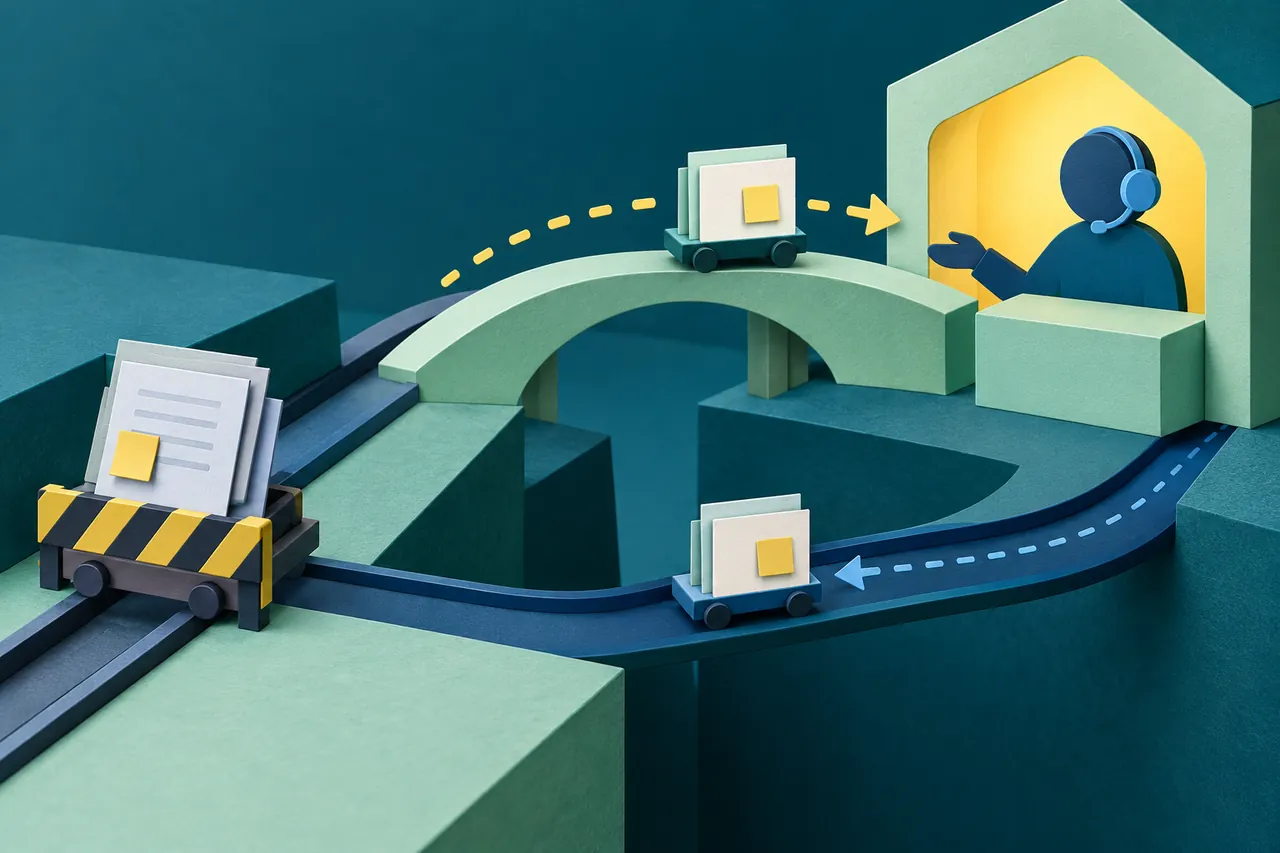
When a customer cannot continue alone, carry the setup context into a support handoff rather than sending another reminder to complete the same blocked step.
Sources
- Customer.io: Automations, broadcasts, and transactional messages.
- Customer.io: Automation exit conditions.